

Next Rewards
A Subscription Feature
Index
Existing User Subscription Offer
Can a Promo Drive User Engagement?
Known users, Different scenarios

01/05 Next Rewards
About
Subscription Offer for Existing Users
Discovery +
Responsive Web
Phase One
Subscriptions
EMEA, LATAM
Next Rewards lets direct-billed customers easily stack promotional offers or gift subscriptions on their account, activating immediately or when their current plan expires. It appears at key touchpoints, including cancellation, account management, and email.
I led the design, working alongside UX Design, Product, Copy, Legal, and Engineering.
02/05 Next Rewards
Discovery
Can a Promo Drive User Engagement?
Previous data showed that targeted retention offers can reduce cancellations and extend subscription engagement. Among users who entered the cancellation flow, 7.3% of annual subscribers and 1.3% of monthly subscribers accepted an offer to stay.
03/05 Next Rewards
Define
Known Users. Different Scenarios.
During this phase, the team aligned on living documents, including a PRFAQ, Copy Guide, and initial scenarios, using workshops and MoSCoW prioritisation.
3.1 General Challenges
The primary challenge involved phasing the ideal solution due to technical limitations and competing prioritization demands.
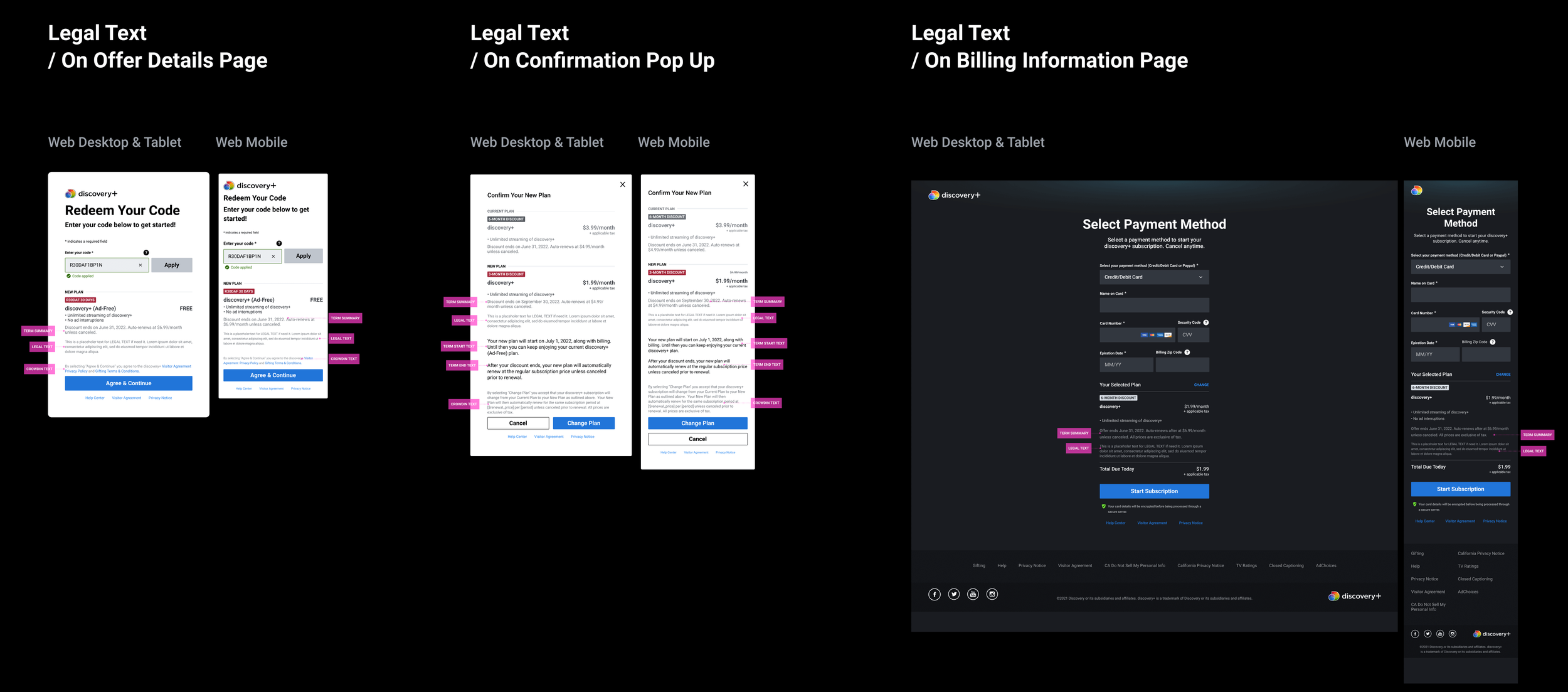
A secondary consideration centered on integrating legally required content within the constraints of the existing interface.
3.2 Type of Users Infographic
This segmentation is based on platform usage rather than demographics. For this project, we focus on current and former app users, excluding new users.
NOT ACTIVE
NEVER
Never Used the service before.
ACTIVE
NOT PAYMENT
Promo users who has no payment attached.

BILLING PERIOD
Active Users who want to add on a gifted subscription.

LAPSING
In-App-Purchase Users who have initiated cancellation and are lapsing.

NOT ACTIVE
LAPSED
Users who have cancelled and are not active.

3.3 Heuristics
Below are the four Nielsen Usability Heuristics most relevant to this project, illustrated with direct quotes from users.
1.Visibility of system status
Keep users informed all time
Show how much the user has to pay today in the billing information and on the confirmation modal. ”Reflect any specials, deals, or discounts in the payment total."
List items as Free and display how long the offer is (e.g. FREE for 30 days)."It was clearer to study participants if the item was simply listed as free."
6.Recognition over recall
Minimize the user's memory load
Display the same summary information on the billing information page. “It's also strongly recommended to make promo code a core part of the checkout process instead of a sidebar."List items as Free and display how long the offer is (e.g. FREE for 30 days).”
List discounts on the summary and show any related restrictions on their use. “Show any discounts or special restrictions applied to items in the shopping cart."
7.Flexibility and efficiency
Avoid unnecessary information.
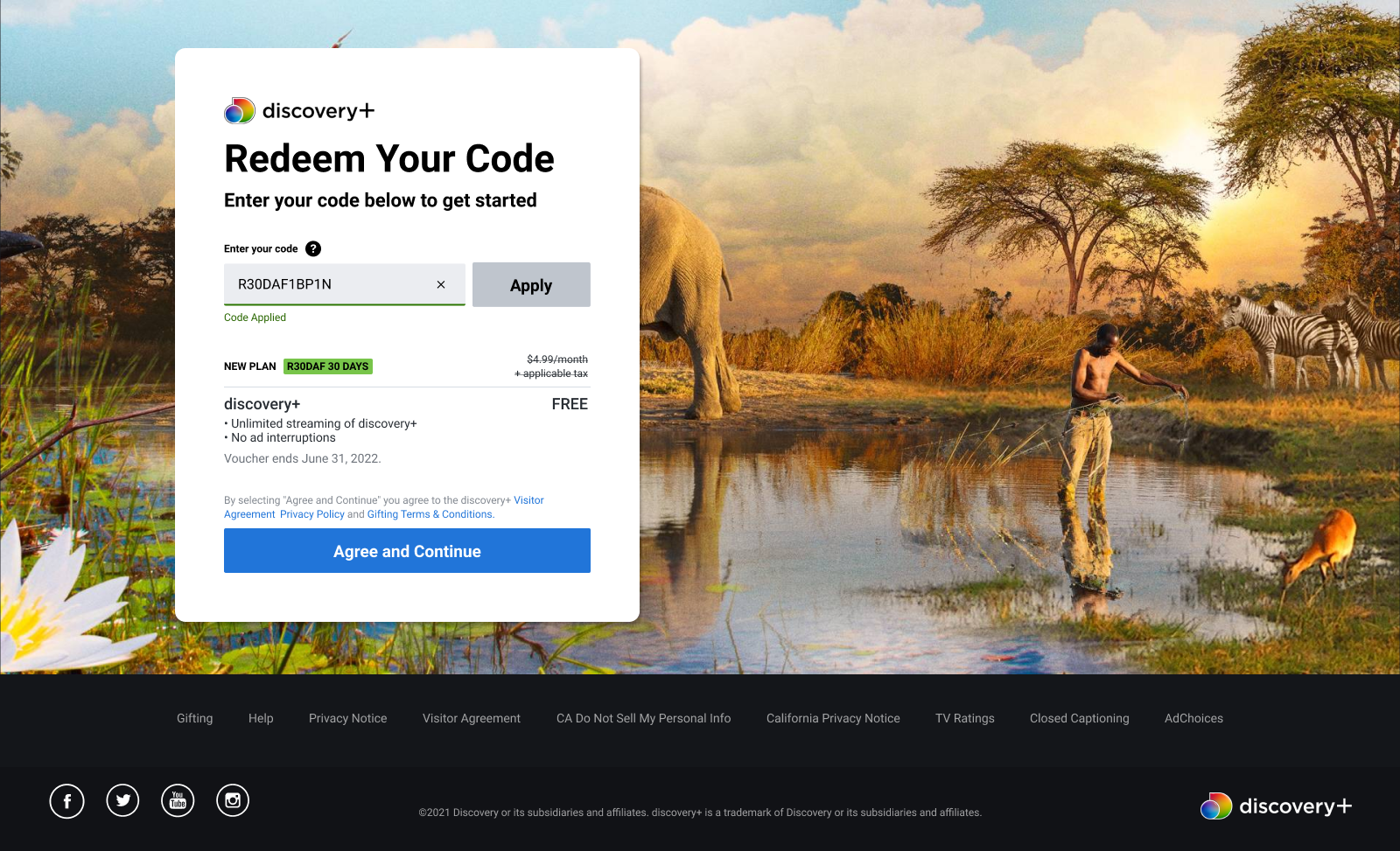
Email links should automatically apply the voucher on the Redeem Your Code page.
8.Aesthetic and Minimal
Keep only what is relevant
List items as Free rather than showing a charge subtracted by a separate line item. Our study participants often had difficulty understanding what was meant when a charge was listed in a line item and then later subtracted in a separate line item.
3.4 Project Key Milestones
Shown below are the key design milestones reached in delivering the MVP, achieved through close collaboration with other stakeholders.
18 FEB: MVP determined by Product

MID FEB: Engineering Kick Off.

24 FEB: Kick Off Research Planning.

2/8 MAR: Product Review, Copy and Design.

4 MAR: Completion of Wireframes for Use Cases 1 to 3.

9 MAR: Bi-Weekly Design Sync.

18 MAR: Completion of Wireframes for Use Case 4.

23 MAR: Legal Review.

25-30 MAR: Delivery of Prototypes for Research.

30 MAR - 13 APR: Research User Testing & Final Review.


04/05 Next Rewards
Design
Adapting to sensitive flows
4.1 Redeem Page
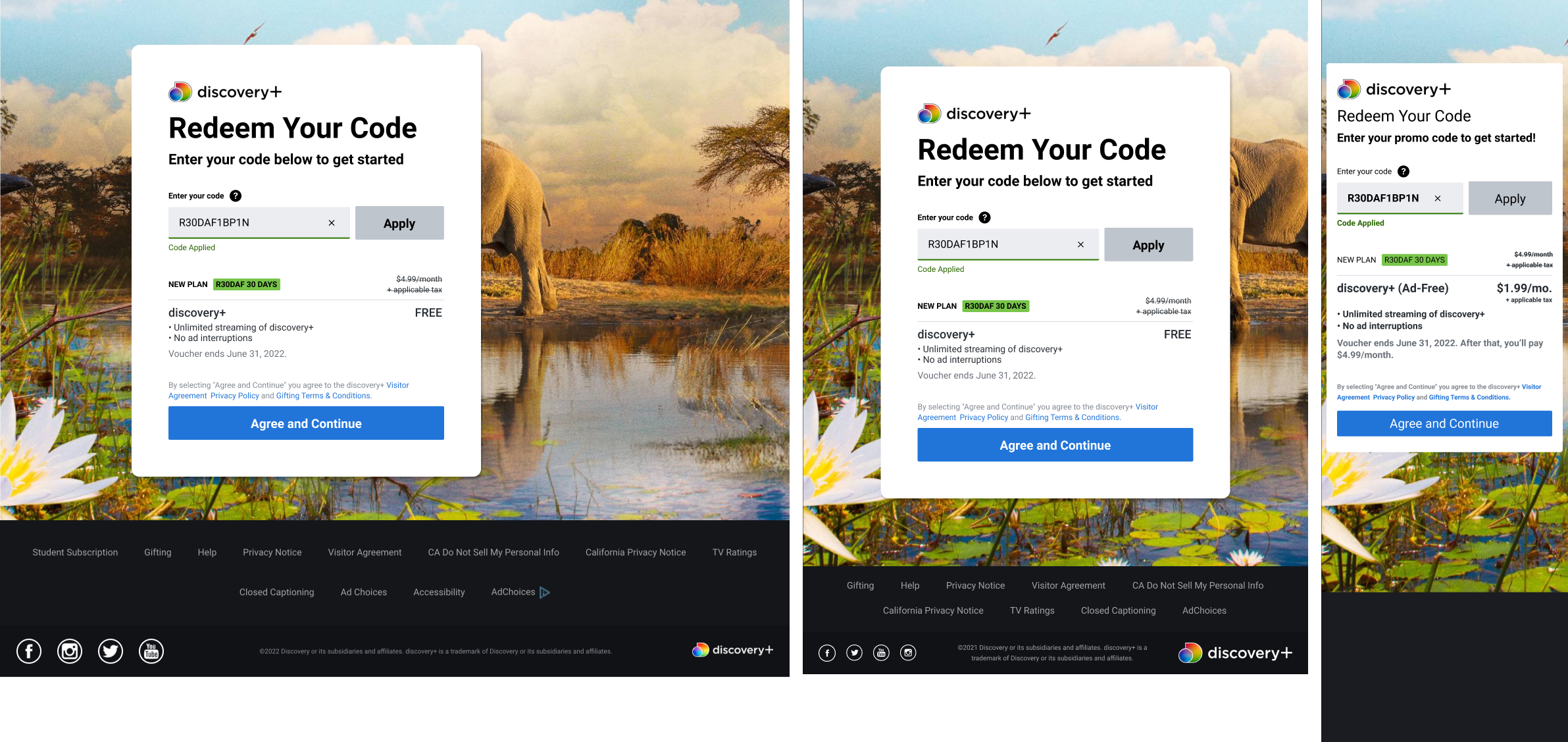
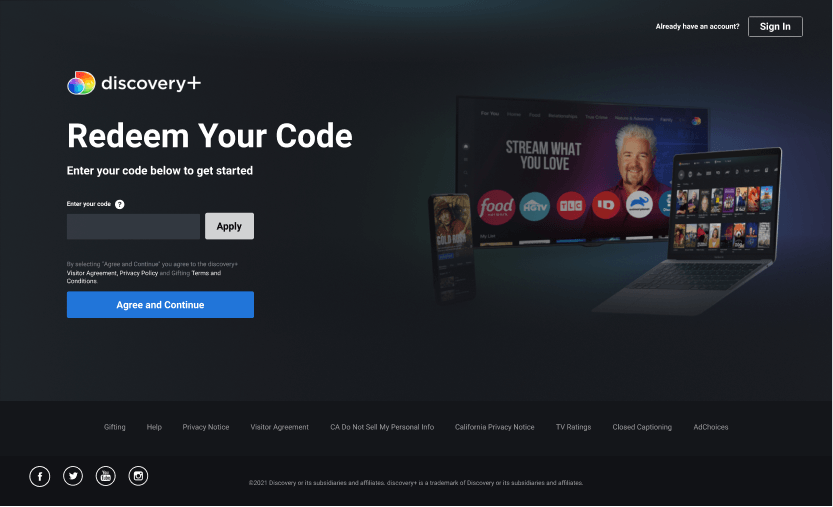
Before — Early design explorations showed that the dark theme wasn't suitable for long-form or pricing-related content.
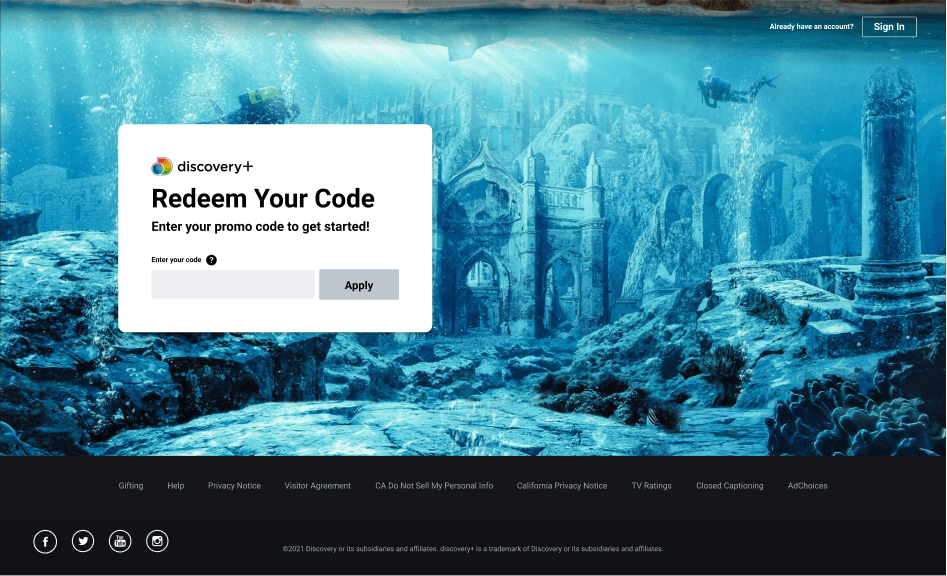
After — This was the new design, prioritizing flexible imagery, strong contrast, and readability.
4.2 Account Management
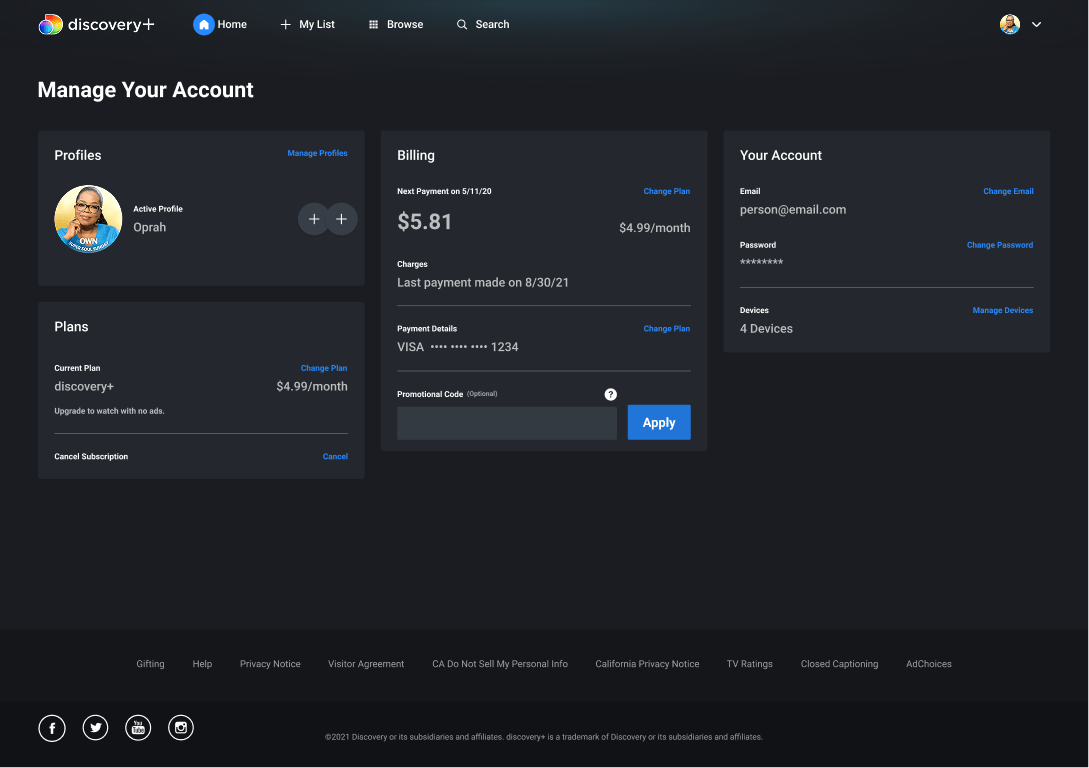
Before — Account Management page, prior to the Next Rewards feature — see Plans module.
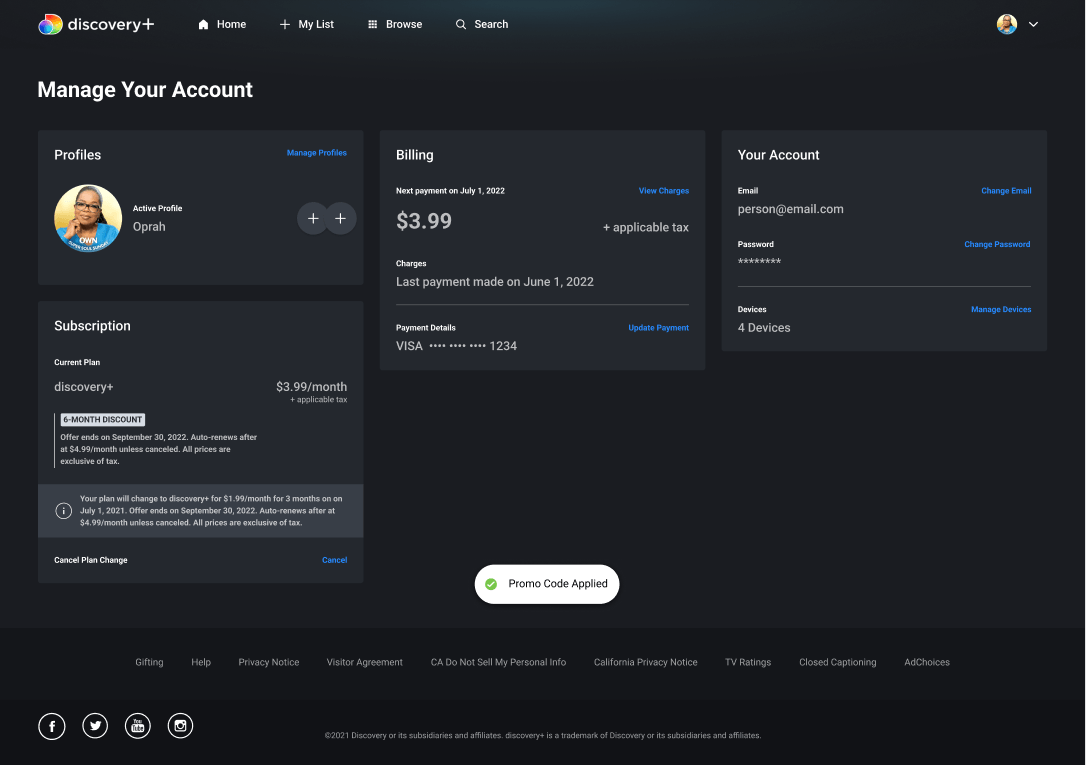
After — The rollout introduced the Next Rewards Offer block, update notification, confirmation toast, and “+ applicable tax” pricing.
4.3 User Journeys
Users can redeem a code from three places:
Redeem Code Landing Page,
Email,
Account Management — and the example below walks through the Account Management journey.
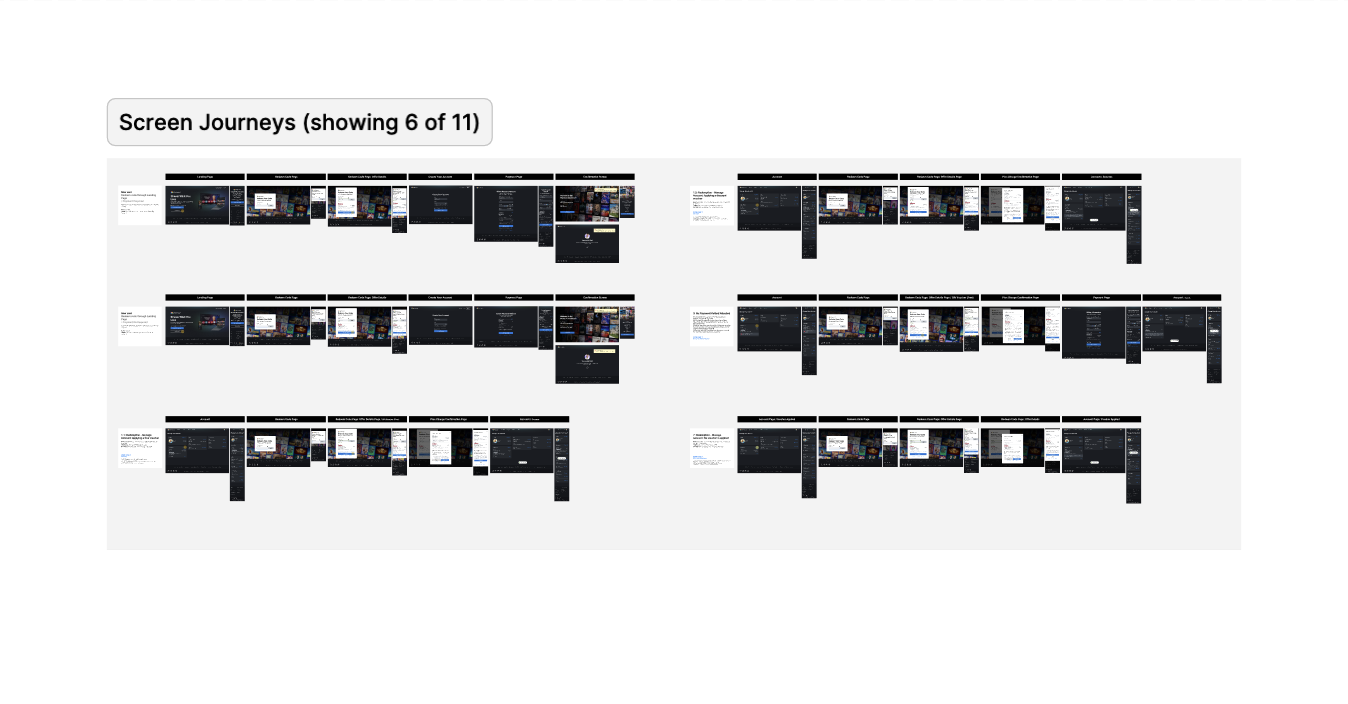
From Account Management, the new Redeem Code Page required us to adapt existing components and introduce new ones: the Subscription Card, a new Confirmation Dialog, and the Billing Page. That also meant working in parallel with other subscription projects to keep copy and components consistent.
Happy Path Prototype Example
Redemption - Manage Account Scenario: Applying a free voucher
As a direct billed customer that is currently subscribed with a voucher, I want to be able to redeem a gift voucher so I can take advantage of an ongoing promotion.
4.4 Research: Usability Testing
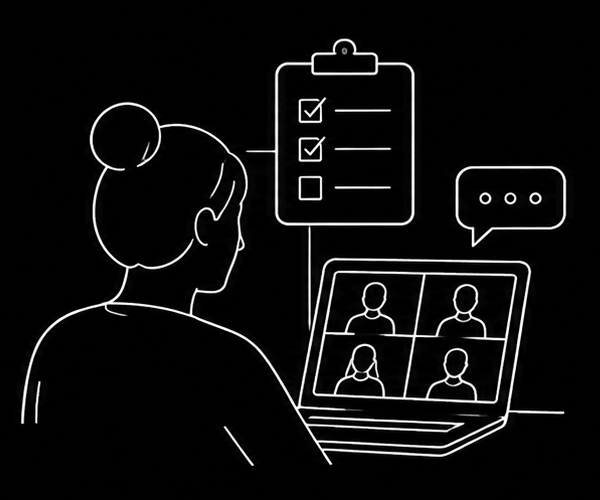
4.5.1 Research Setup
Prioritized risks and assumptions through a team workshop, then tested the resulting prototype with 16 participants across mobile and desktop.
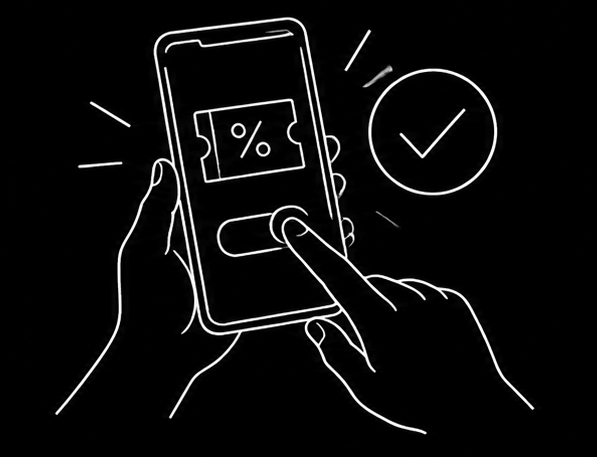
4.5.2 Gift Voucher Flow
Participants found the confirmation clear, with plan details, price, and next billing date being the most important information.
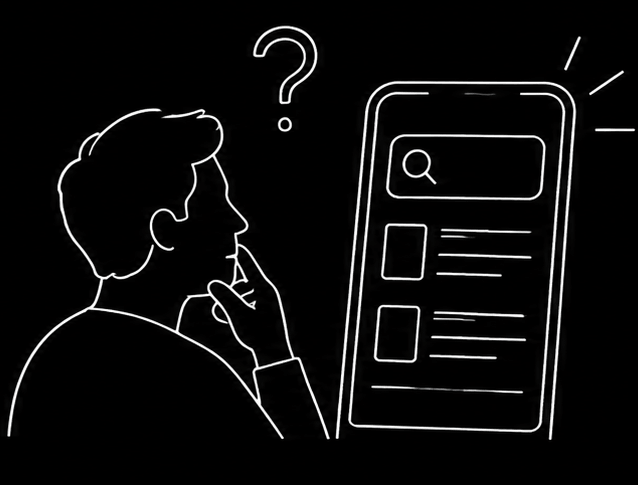
4.5.3 Change Plan Flow
The main usability issue was discoverability—some participants struggled to find where to change their plan and expected the option in account management.
05/05 Next Rewards
Delivery & Iteration
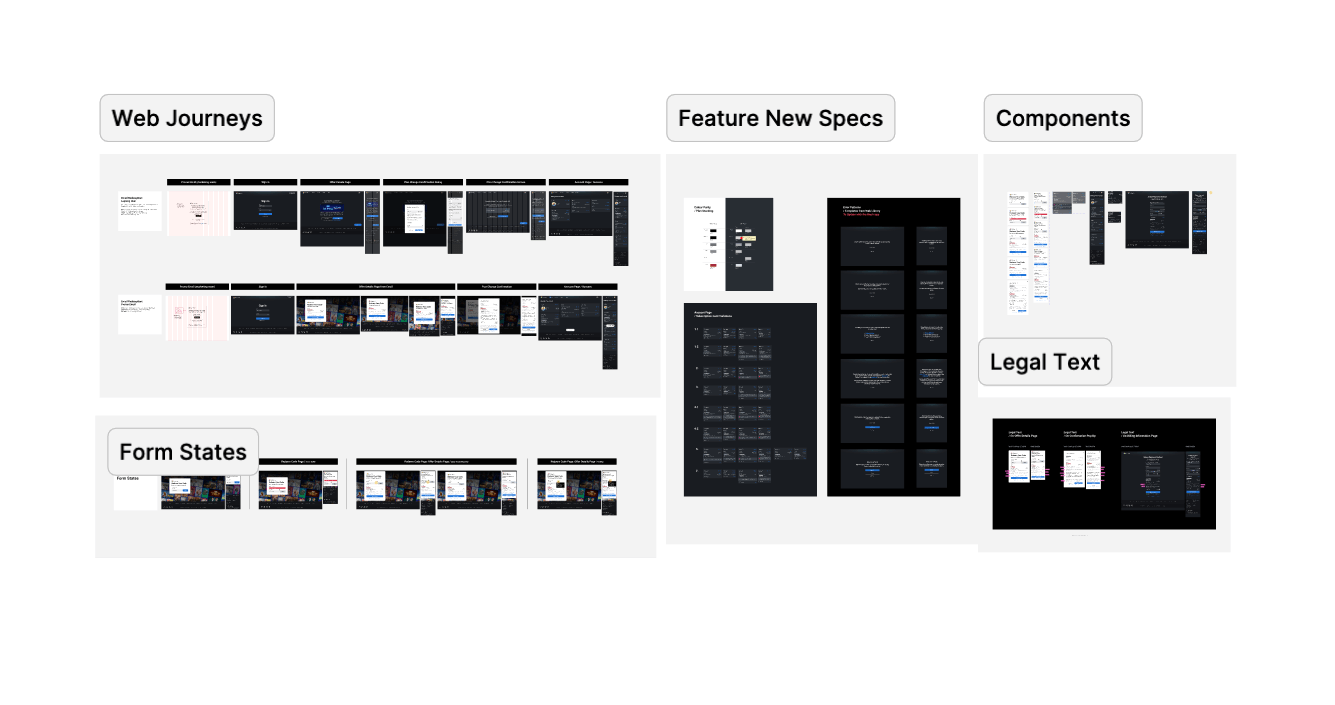
The Live Single Source of Truth
5.1 Deliverables
5.2 Next Phase
Two key design opportunities emerged for future iterations:
Enable seamless plan changes without requiring users to cancel their current subscription first.
Improve Redeem Code visibility, potentially as part of a broader Account Settings redesign.